Sora 2 AI Video Generator
Make Sora 2 AI videos straight from your phone. Type a scene and watch OpenAI's Sora 2 turn it into a believable clip — with real-world motion and sound — inside the VIBE app.


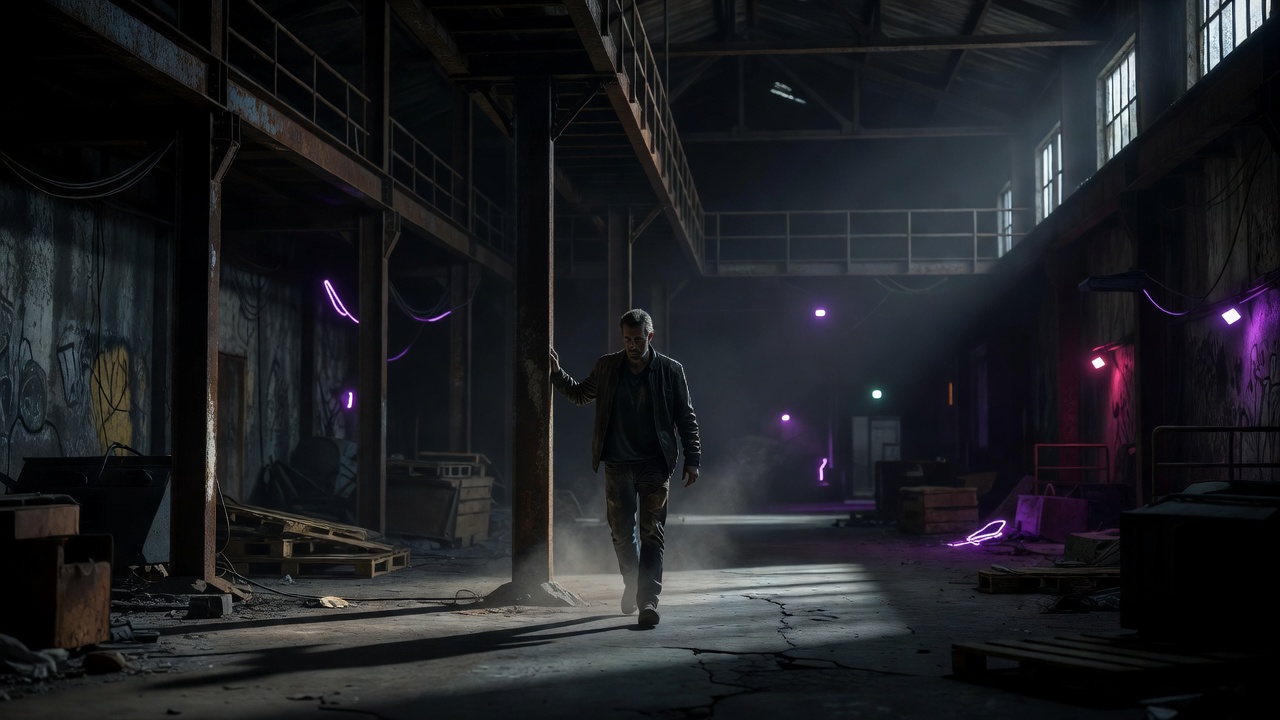
 Made in VIBE · Sora 2
What is the Sora 2 AI video generator?
Sora 2 is OpenAI's flagship text-to-video model, and it's best known for one thing: physics that actually feel real. Drop something heavy and it lands like it should. Pour water and it moves like water. That sense of weight and cause-and-effect is what makes a Sora 2 AI video read as footage instead of a cartoon.
In VIBE, Sora 2 sits right next to every other model, so you can start a clip with Sora and finish your next one with Veo or Kling — no second app, no second subscription.
Create Sora 2 AI Videos from a single prompt
Believable physics
Objects fall, splash and collide the way they do in real life — the detail that sells a Sora 2 clip as real.
Built-in sound
Sora 2 generates synced audio, so your scene lands with ambience and effects instead of dead silence.
Cinematic realism
Skin, light and texture hold up under a second look — ideal for story beats and lifelike moments.
Reads your prompt
Sora 2 follows detailed directions well, so the camera move and action you describe actually show up.
Sora 2 AI video examples
Real clips made with VIBE. Tap to play.


A Sora 2 prompt to try
Alien Ship Over Manhattan
Sora 2 · 16:9A massive alien spaceship, miles long and covered in glowing blue circuits, slowly rises from the East River in Manhattan. Water cascades off its hull as it ascends past the Brooklyn Bridge. Helicopters scatter, car alarms blare across the city. The camera captures this from a rooftop in DUMBO, showing the ship dwarfing the entire skyline as golden sunset light reflects off its surface.
Don't stop at Sora 2
VIBE bundles 19+ AI video models in one app. Explore a few more:
Sora 2 — questions, answered
Is Sora 2 free to use?+
Can I use Sora 2 on my phone?+
What's the difference between Sora 2 and Sora 2 Pro?+
Make your first Sora 2 video today
Download VIBE free and create with Sora 2 — plus 18 more AI video models — all in one app.